

Apps like Jobber have been a known ally for many businesses, helping to streamline their operations and improve customer satisfaction. However, every company has unique needs, leading some to search for alternative solutions that better fit their specific requirements. Whether it's due to pricing concerns, the need for different features, or scalability issues, considering a Jobber alternative is worthwhile to explore. In this article, we get into some top Jobber competitors and what they have to offer.
Why consider alternatives to Jobber?
While Jobber offers robust functionality for many field service businesses, certain limitations may prompt users to seek out Jobber alternatives. One potential sticking point could be scalability, as businesses grow, they might require a business management platform that can better accommodate increased workloads and more complex service structures.
Additionally, pricing models that grow with the business or offer more features may be more attractive to businesses with an eager eye on their budgets. Finally, companies might look for software that provides specific features tailored to their industry or offers a greater level of customization than Jobber does.
Top 11 Jobber alternatives
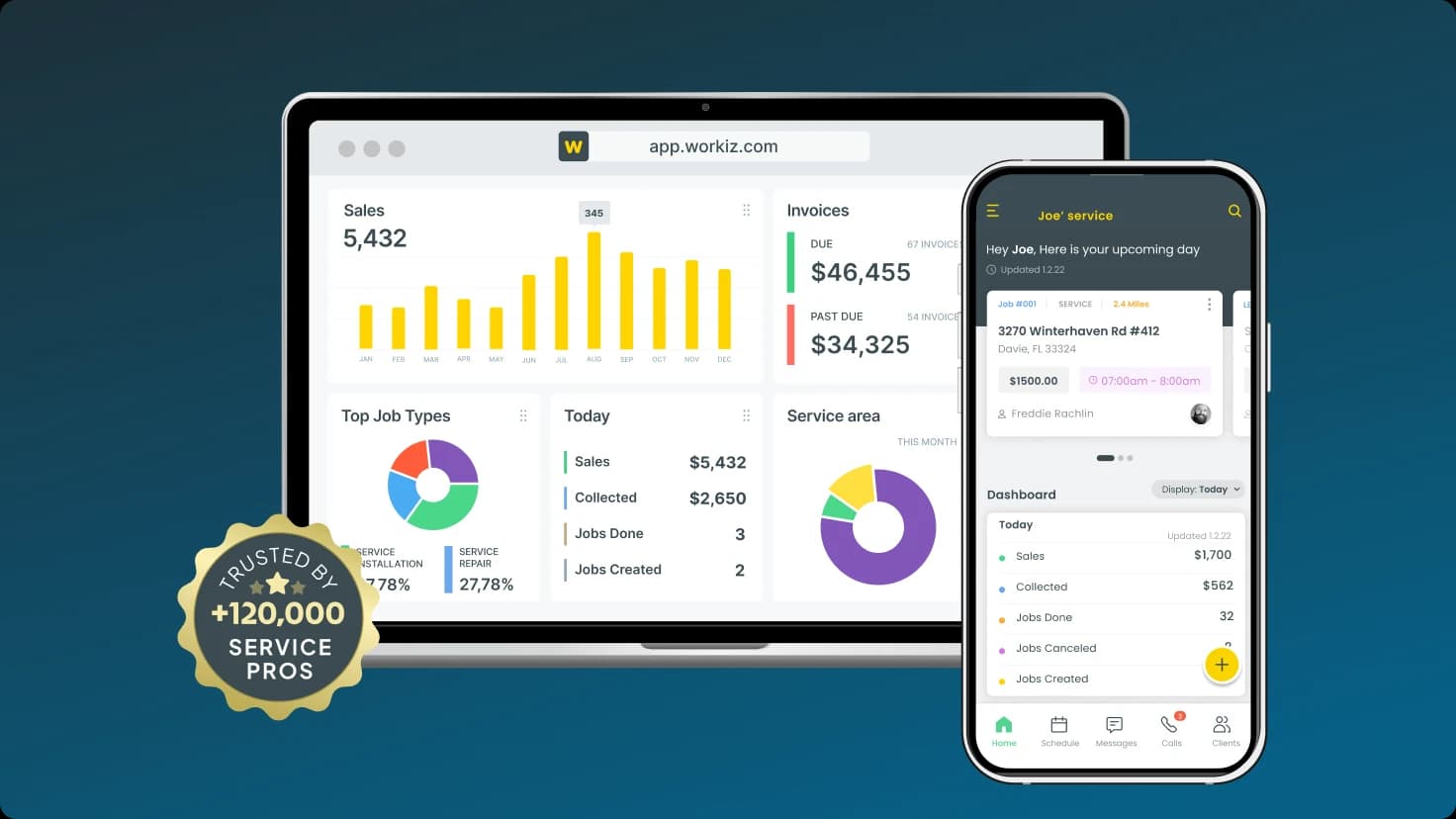
Workiz
Features Workiz stands out among Jobber alternatives by offering ad tracking, automation platform, user-friendly scheduling, and enhanced reporting. It provides a seamless customer communication system that improves your engagement level and in-depth marketing tools.
Pricing Workiz vs. Jobber offers various flexible subscription plans to fit different business sizes.
Integration Easily integrates with an array of business tools for a streamlined workflow, making Workiz vs Jobber the best alternative.
ServiceTitan
Key features Advanced scheduling, dispatching, and invoicing.
Pricing Subscription-based with tiered plans.
Strengths Industry-specific solutions for field service professionals.
Housecall Pro
Features Intuitive user interface, easy online booking, and efficient payment processing.
Pricing Transparent subscription models.
User testimonials Housecall Pro vs Jobber has strong positive feedback concerning the software's user-friendliness and support.
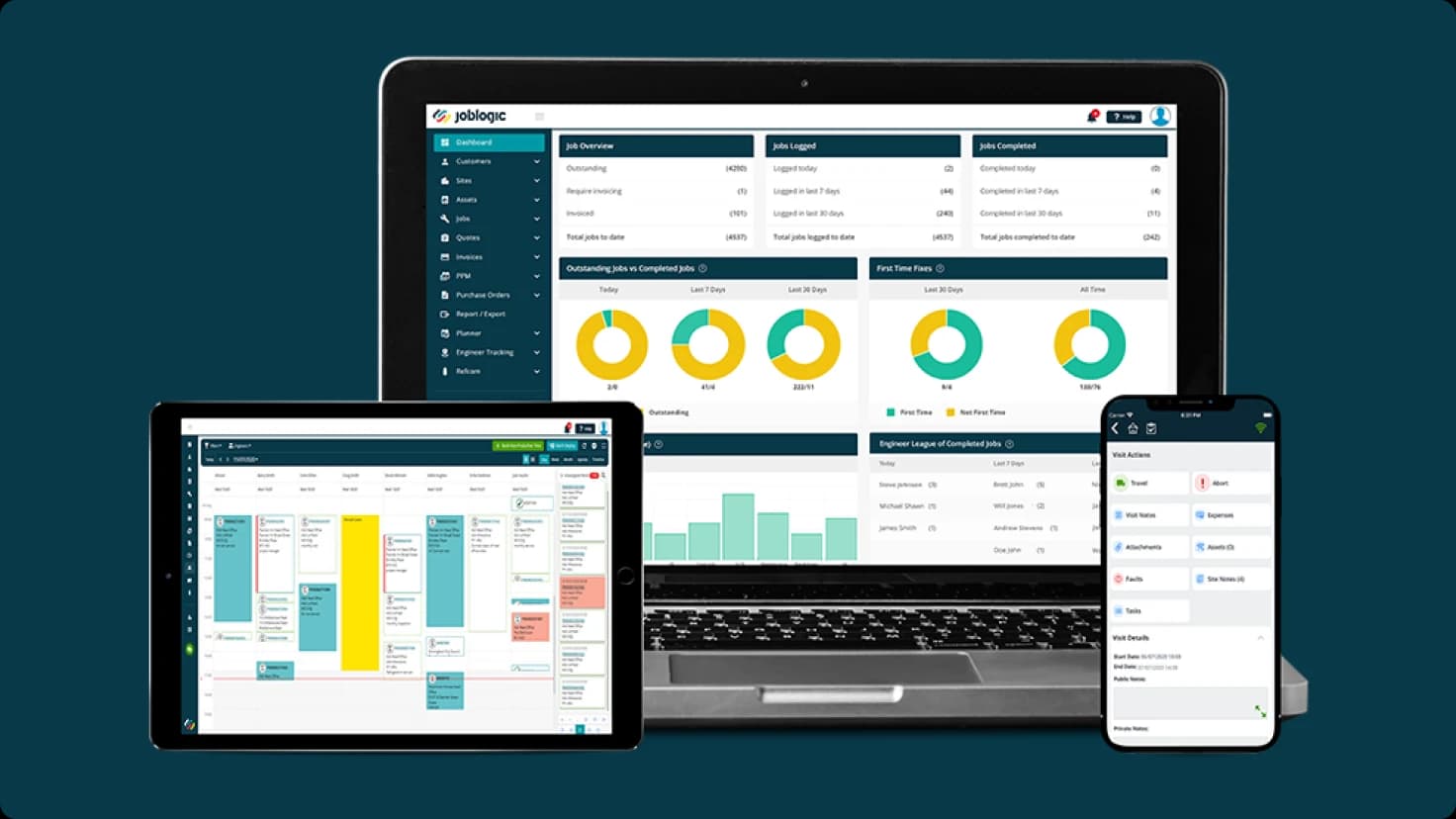
JobLogic
Features Provides industry-specific solutions and accessibility on mobile devices.
Pricing Custom plans ensure that businesses pay for only what they need.
Customization Extensive customization options to fine-tune workflows and business processes.
UpKeep
Features Robust asset and maintenance management with on-the-go mobile access.
Pricing Offers subscription-based plans suitable for a wide range of industries.
Commusoft
Features Efficient job management, dynamic scheduling, and comprehensive customer database.
Pricing Clear pricing tiers designed to scale with business growth.
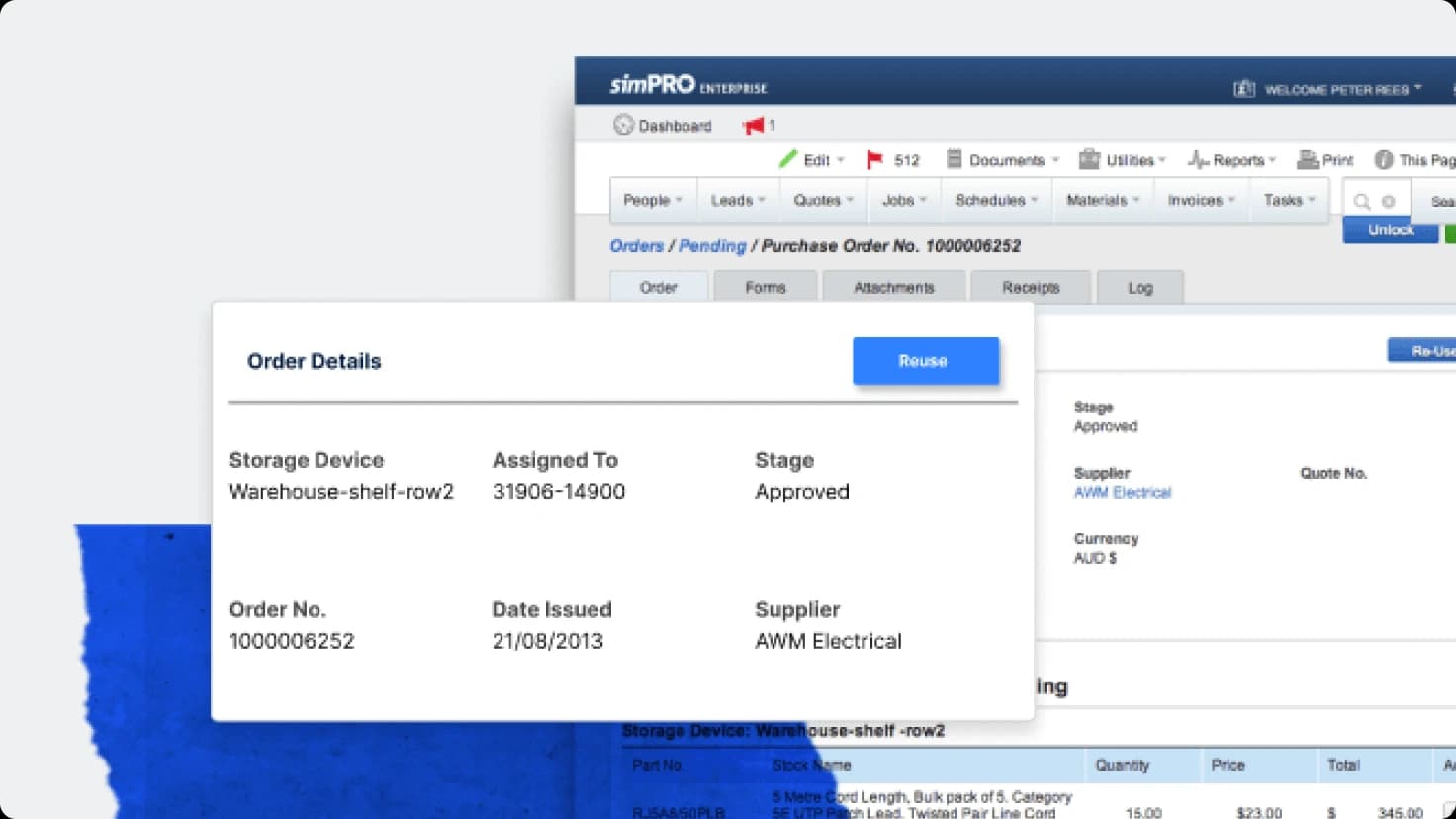
simPRO
Features In-depth project management, detailed quoting, and focused field service management.
Pricing Based on subscriptions, with tailored modules to address specific business needs.
FieldEdge
Features Optimized scheduling, dispatching, and mobile access to ensure service continuity.
Pricing Offers customized plans that consider the unique demands of each business.
Synchroteam
Features Streamlined scheduling, dispatching, and mobile workforce management.
Pricing Subscription-based with a free trial to ensure a good fit prior to commitment.
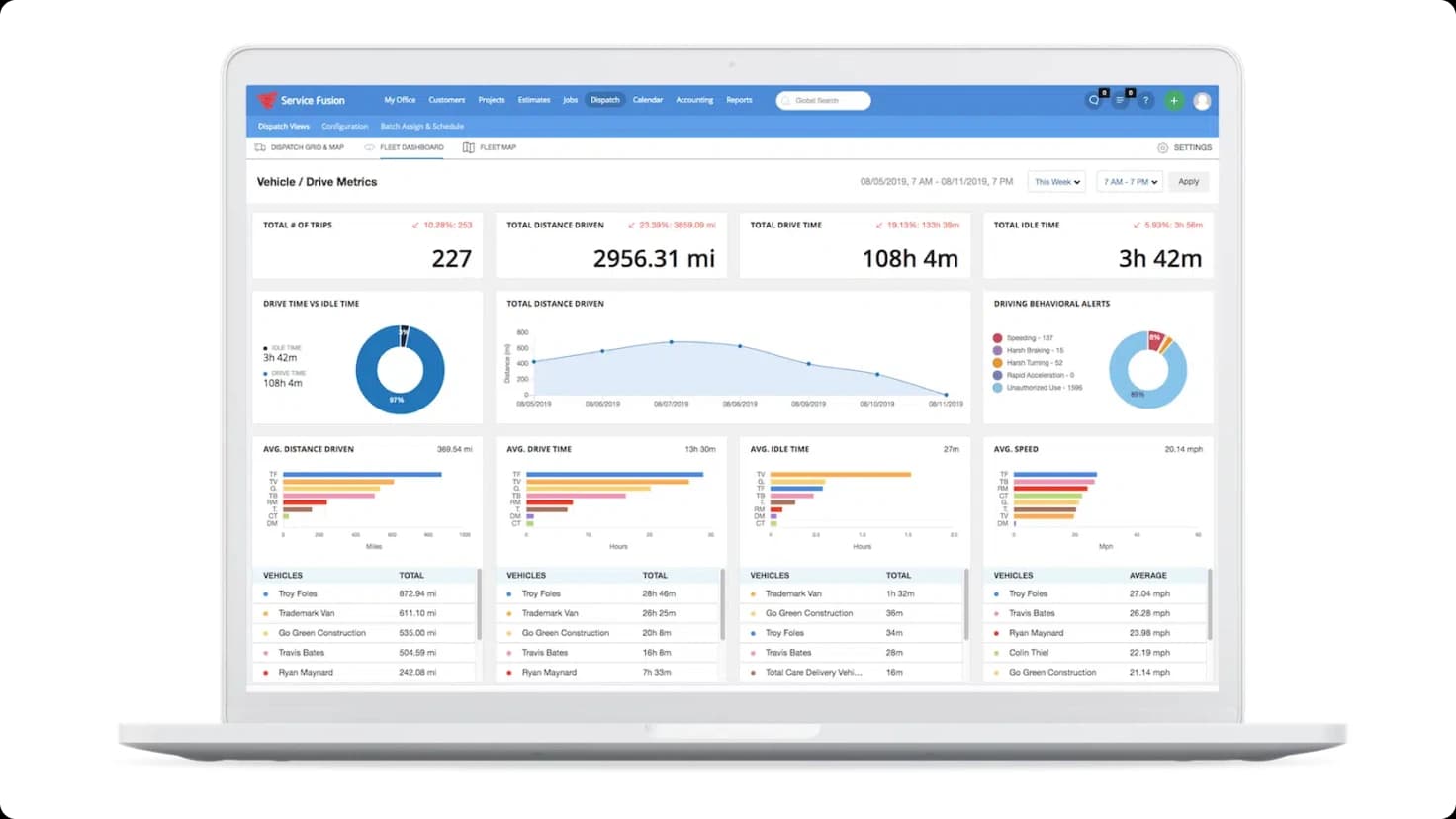
Service Fusion
Features Service Fusion vs Jobber provides accurate job tracking, efficient scheduling, and meticulous customer management.
Pricing Clear and customizable plans that cater to the unique needs of different companies.
Mobiwork
Features Comprehensive mobile workforce management, effective scheduling, and dispatching.
Pricing Based on subscriptions, with scalable options for various business sizes.
Fieldwire
Features Streamlined scheduling, dispatching, and mobile workforce management for construction companies, making Fieldwire vs Jobber a possible alternative.
Pricing Subscription-based with a free trial to ensure a good fit prior to commitment.
Fieldpulse
Features Streamlined scheduling, dispatching, dashboards and reporting, making Jobber vs. Fieldpulse a possible alternative.
Pricing Subscription-based with an option for book a demo to learn more.
Service Autopilot
Features Streamlined scheduling, dispatching, dashboards and reporting, for lawn and snow care making Service Autopilot vs Jobber a possible alternative.
Pricing Subscription-based with an option for book a demo to learn more.
Feature comparison
Service | Automation & Workflows | Inventory Management | Advanced Reporting & Analytics | Scalability for Large Teams |
|---|---|---|---|---|
Workiz | Best. Automate across your business. | Full + multi-location | Deep & actionable | Small to mid-sized |
Jobber | Limited / basic | Only with a plugin | Basic | Small |
ServiceTitan | Extended (enterprise-level) | Strong (dedicated app) | Best (custom dashboards) | Enterprise-level |
Housecall Pro | Basic | Full + multi-location | Good | Small to mid-sized |
FieldPulse | Limited | Full + multi-location | Good | Mid-size |
simPRO | Limited | Full + multi-location | Professional | Large projects |
Service Fusion | Medium | Full + multi-location | Good | Unlimited users |
Data based on 2026 reviews (G2, Capterra, official sites, user feedback). Prices and exact features may vary – always check demos.
Pricing comparison
Here we provide a breakdown of the pricing structures of Jobber alternatives, noting any potential hidden costs, as well as the availability of free trials or discounts. This will give you a complete understanding of what financial considerations you should keep in mind when choosing a home service management platform.
Service | Free Trial | Pricing Starting At (2026, approx.) |
Workiz | Yes (7 days, no credit card) | $187/month (annual, 3 users included) |
Jobber | Yes (14 days) | $39/month (1 user) → $169+ for teams |
ServiceTitan | Demo only | Must book a demo |
Housecall Pro | Yes (14 days) | $79/month (Basic, 1 user) → $189+ for teams |
JobLogic | Demo only | ~$50–$100+/month (custom) |
UpKeep | Yes (trial) | $20/user/month (Lite) → $45–$75/user higher plans |
Commusoft | Demo only | Must book a demo |
simPRO | Demo only | Must book a demo |
FieldEdge | Demo only | Must book a demo |
Synchroteam | Yes (14 days) | $39+/user/month |
Service Fusion | Demo only | $225–$245/month (Starter, unlimited users) |
Mobiwork | Yes (trial/demo) | Must book a demo |

User reviews and testimonials
Choosing the right alternative for your business
Choosing the right service management software comes down to a few key considerations. Assess whether the solution fits the size and complexity of your business, supports industry-specific needs, and has scalability for growth. Focus on ease of use to ensure quick adoption by your team. Cost is crucial, so look for value in features you will use without exceeding budget. The best software is adequate for today and adaptable for the future. You can use free trials and support resources to make a well-informed decision that aligns with your business goals.

Conclusion
In summarizing our deep dive into Jobber alternatives, it's clear that while apps like Jobber offer a good solution for field service management, several viable options might better cater to the diverse needs of various businesses. It's essential to scrutinize features, pricing, scalability, and industry-specific offerings to find the service management software that resonates most closely with your operational requirements and future goals.
We encourage readers to leverage the insight provided in this article to conduct a thorough comparison of each alternative. Take advantage of free trials where available, and don't hesitate to reach out to sales teams for a more personalized assessment of the value these tools can deliver to your business. Remember, the right software isn't just a tool – it's an investment in your company's efficiency and success. Choose wisely to ensure your business not only performs well today but is also equipped for the opportunities and challenges of tomorrow.
FAQs
While Jobber is an effective field service software for small to mid-sized businesses, certain limitations may influence companies to explore other options. One of the primary concerns is that apps like Jobber might not adequately support the complex workflows and features required by larger commercial and home service businesses. Here are some limitations to consider:
Pricebook management Jobber does not have the most efficient features for optimizing pricebooks. Without the flat rate pricing, this could potentially limit profitability for businesses with extensive services or price points.
Inventory Management Efficient inventory management across the office, warehouse, and field is vital for many service businesses. Jobber might not offer the robust inventory control functionalities necessary for precise tracking and management.
Sales tools Home and commercial businesses heavily rely on necessary sales management tools in order to keep business running all year round. Without Service plans and sales proposals, this could limit your customer retention and income significantly.
When examining pricing between Jobber alternatives, you'll want to consider several important factors to ensure you're getting the value that aligns with your business needs. Here are key elements to take into account:
Subscription tiers Assess the pricing tiers and what features each tier includes. Be sure the subscription level you're considering matches your business requirements without paying for superfluous features.
User limits Check if there are any limits on the number of users or technicians for each plan and how that might impact the cost as your team grows.
Functionality scope Compare the scope of functionality offered. Does the software provide essential features such as scheduling, dispatching, invoicing, and customer management within the base price?
Integration costs Evaluate if there are additional costs for integrations with other software like accounting platforms, payment processing, or customer relationship management tools.
Onboarding and training Determine if onboarding and training services are included in the pricing or if there are separate fees for these necessary support elements.
Support services Look at the level of customer support provided. Is premium support an additional cost, and how might that affect your need for responsive help when issues arise?
Transaction fees Identify any transaction fees that may apply, particularly if the software includes payment processing features.
Customization and add-ons Consider the cost of customization options or add-ons to ensure the software can be tailored to your business's unique processes.
Contract obligations Review any long-term contract obligations and the financial implications of cancellation or scaling of services.
Free trial and refunds Check the availability of free trials to test the software before committing and understand the refund policy should the service not meet expectations.
Home services Companies that provide residential services such as HVAC, plumbing, electrical, garage door, and appliance repair can utilize Workiz for scheduling, job tracking, and customer communication.
Locksmith services Locksmiths can manage on-the-spot invoicing, job dispatching, and service history tracking effectively with Workiz.
Handyman services For handymen, the app can help keep track of job details, client notes, and material costs to streamline their operations.
Junk removal Businesses can benefit from features like route optimization, tipping, and on-the-go invoicing for efficient junk removal services.
Workiz is especially a good fit for businesses looking to scale as it offers a comprehensive set of tools for operation management, from customer engagement and workforce scheduling to real-time reporting and analytics. With an emphasis on financial features and a comprehensive communications suite, Workiz ensures that field technicians and business owners have the necessary information at their fingertips to make informed decisions and maintain high productivity on the move.